

What Is KVM Virtualization and Why It's Popular for VPS Hosting
Most people shopping for a VPS don’t spend much time thinking about what’s running underneath it. You pick a plan, get your login details, and get on with things. But the virtualization technology powering your server matters more than you’d think, and KVM is the one that keeps coming up.
What KVM Actually Is
KVM stands for Kernel-based Virtual Machine. It’s built directly into the Linux kernel, so it’s not a third-party add-on. It’s part of the operating system itself.
In practice, this means every virtual machine on a KVM host behaves like a completely independent physical server. Each one gets its own:
- CPU allocation – Dedicated processing that isn’t shared loosely across users
- RAM – Memory assigned to your VM, not borrowed by someone else
- Storage – A virtual disk entirely separate from other users on the same host
- Kernel – Your own operating system kernel, not one shared with every other VM on the box
That last point is the big one. Your VM runs its kernel, and that’s what makes KVM fundamentally different from older approaches.
Why That Matters

If you’re sharing a kernel with other users, you’re limited to whatever that kernel supports. You can’t load custom modules, you can’t run certain software, and if something goes wrong at the kernel level, it can affect everyone on the host.
With KVM, none of that applies. You can run any Linux distribution, load custom kernels, adjust system-level settings, and use software that needs genuine OS-level access. You can even run Windows, because KVM supports full hardware virtualization rather than container-based isolation.
For developers, sysadmins, or anyone running something more serious than a basic site, that flexibility is genuinely useful.
How It Compares to OpenVZ
OpenVZ is the main alternative. Rather than giving each user their own kernel, it uses containers that all share the host’s kernel. Lighter on resources, often cheaper, but with real trade-offs.
Here’s where they differ:
- Isolation – KVM gives full VM isolation; OpenVZ containers share the same kernel
- OS flexibility – KVM lets you run almost anything; OpenVZ limits your options
- Docker support – Works properly on KVM, often restricted or broken on OpenVZ
- Resource allocation – KVM is more predictable; OpenVZ can vary depending on the host
Neither is inherently bad. But for a proper independent server environment, KVM is the stronger option.
Performance and Consistency
On a KVM VPS, your allocated RAM is your RAM. Your CPU time is your CPU time. You’re not quietly competing with other users on the host the way you might be on a container-based system.
That makes a real difference when you’re running a production site that needs consistent response times, a game server where latency matters, or scheduled background jobs that need to behave predictably. It’s not that other systems are always unstable. It’s that KVM gives you a more defined, reliable slice of the hardware.
Why It’s Now the Default
There was a time when KVM was considered the premium option. Now it’s more or less expected. Most VPS hosting providers have shifted to KVM as their standard because demand for proper isolation has grown. Customers know what they want, and container-based virtualization often doesn’t cut it for serious workloads.
The security angle matters too. Because each VM runs in full isolation, a problem in one environment stays there. It doesn’t affect neighboring VMs on the same host, which is important for anyone running sensitive workloads or customer-facing services.
What KVM Actually Unlocks
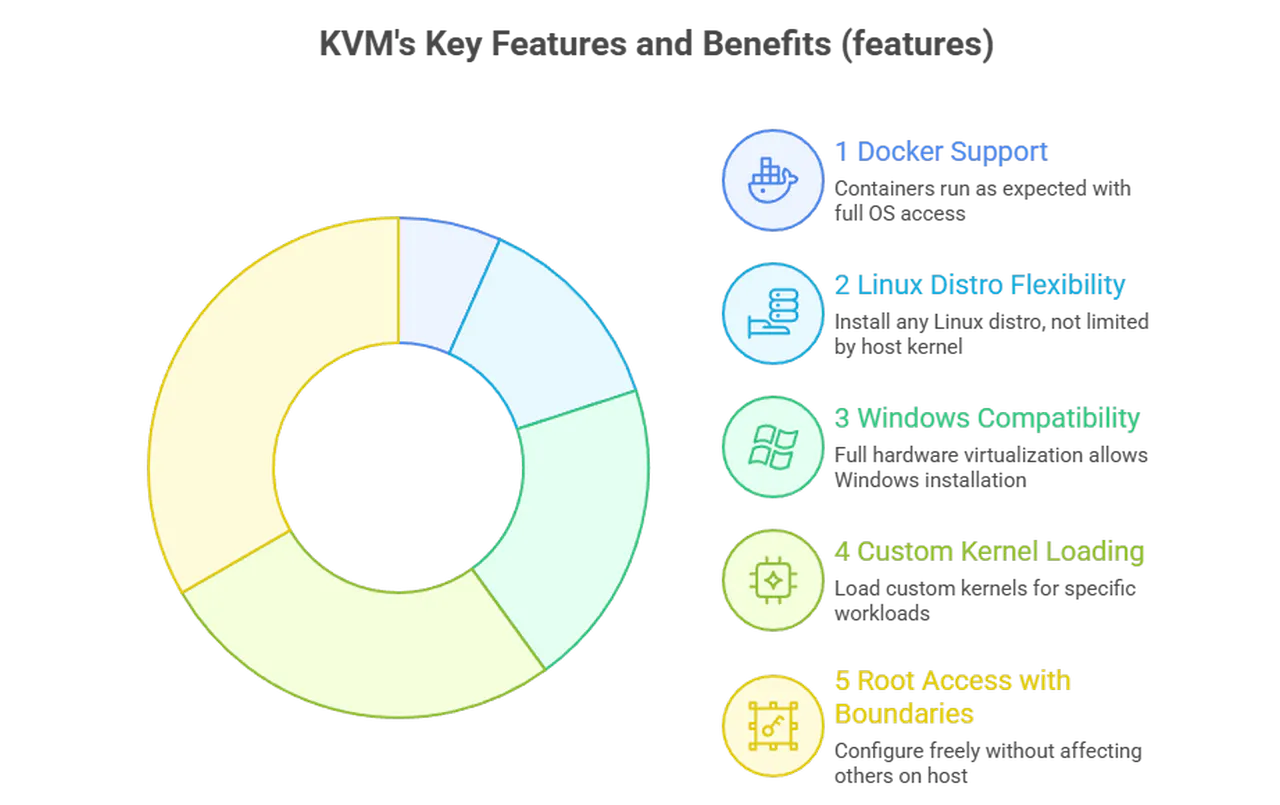
To make this concrete, here’s what KVM lets you do that more restrictive virtualization often won’t:
- Run Docker properly – Container tools work as expected with full OS access
- Install any Linux distro – Not limited by what the host kernel supports
- Use Windows – Full hardware virtualization means Windows installs and runs without issues
- Load custom kernels – Helpful for specific workloads or dev environments
- Full root access with real boundaries – Configure freely without affecting anyone else on the host
Worth Knowing Before You Choose
For most use cases, KVM is the right call. The main exception is if you’re on a very tight budget with elementary needs, like a personal project or small test environment. Container-based options can cost less because they’re lighter on the host.
But the moment your needs get even slightly more serious, KVM makes sense. Predictable performance, genuine isolation, and the freedom to run what you actually require.
Knowing KVM Before Purchasing
KVM is the technology that determines how real your “private” server actually is. With KVM, you get something that genuinely behaves like its own machine, your kernel, your resources, your environment. For anything beyond a basic website, that’s precisely what you want from a VPS.
